Hotel Lobby AI · Photo to video
Hotel Lobby AI Video Generator
Two photos, one studio duet. Hotel Lobby AI turns two photos into a ~10-second vertical duet video in the iconic orange booth — ready for TikTok, Reels, and Shorts. No editing skills needed.
5–10s9:16Music included
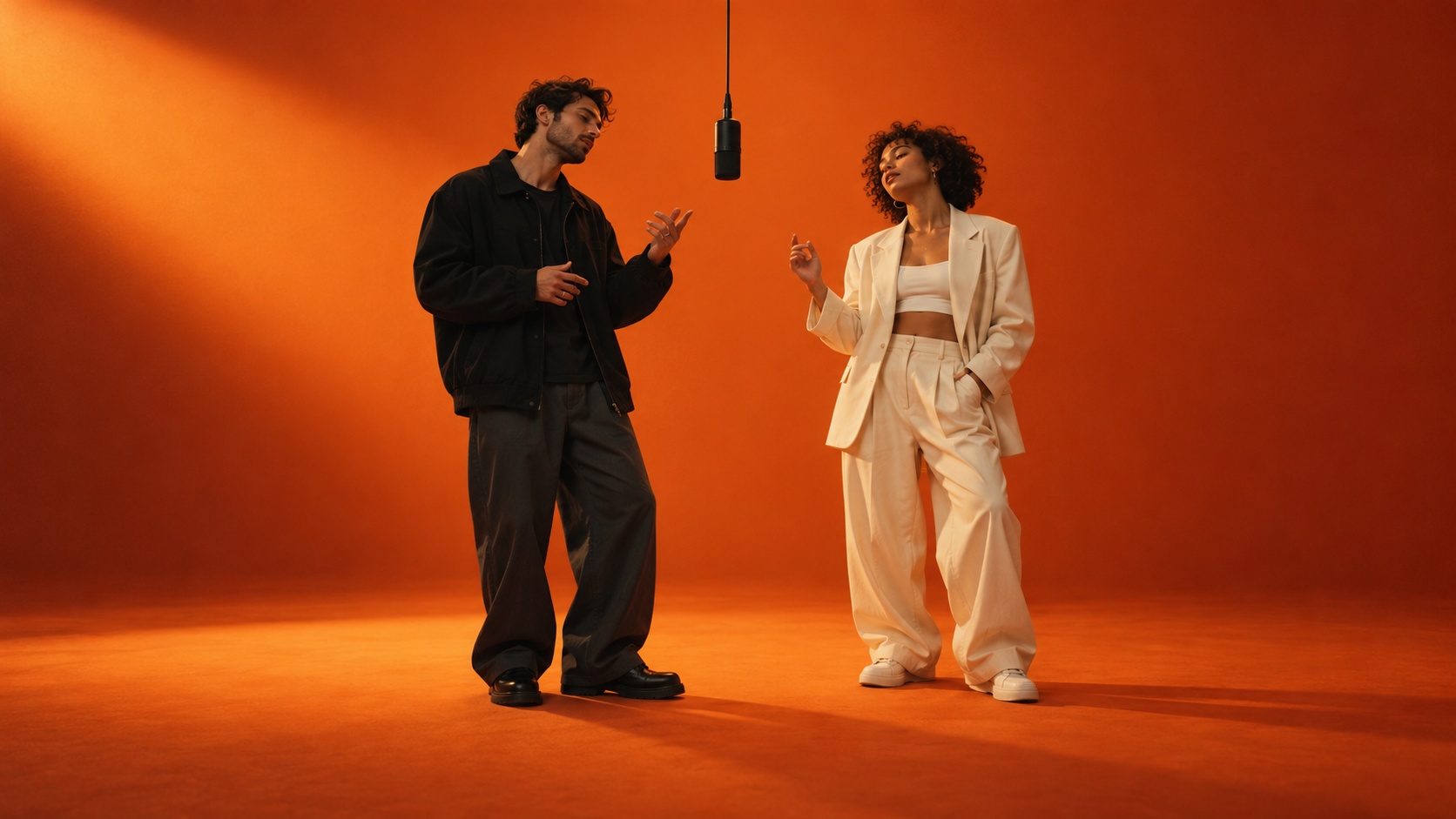
Hotel Lobby AI generator
The Hotel Lobby AI video generator: pick two photos, choose a style, and get your orange-booth duet. Photos stay on your device until you submit.
Video generation is not connected yet. Nothing is uploaded, nothing is charged — this page only helps you select and validate your photos and options locally.
Style preset
Pick your booth style
Four style presets steer the look of your generated video. Choose one here or directly in the studio.
Style presets define the look — the previews on this page are illustrations, not generated video samples.
How it works
How it works
Upload two photos
One clear, front-facing photo for the left seat and one for the right. Good lighting and an unobstructed face give the best results.
Pick a style & options
Choose a booth style — classic orange, couple, friends, or anime — then set duration and resolution.
Generate & share
Get a ~10-second vertical video you can post straight to TikTok, Reels, or Shorts. Zero editing required.
FAQ
Frequently asked questions
Short answers before you step into the booth.
Do I need two separate photos?
Yes. The generator works with exactly two photos — one clear, front-facing photo for the left seat and one for the right. Good lighting and unobstructed faces give the best results.
Which photo formats and sizes are supported?
JPEG, PNG, and WebP images up to 5 MB each. Unsupported formats or oversized files are rejected during local validation before anything is uploaded.
What exactly are the styles?
Styles are presets that steer the look of the generated booth scene: classic orange, couple, friends, and anime. The previews on this page illustrate each preset — they are not generated video samples.
How much does a video cost?
Credit costs depend on the selected duration and resolution. The studio displays the current configured cost when the service is available.
Is generation available right now?
The studio shows a notice when generation is unavailable. You can still prepare your photos locally; submitting a video requires sign-in and an available service.
What about photo rights and reviewing results?
You must have the right to use both photos, and the people in them must agree to appear in a generated video. Always review your result carefully before sharing it — you are responsible for how you publish generated content.
Is there a free Hotel Lobby AI video?
There is no free tier today — the cheapest way in is the Single pack: $9.90 for 50 credits, about five 480p / 5-second clips. Credits never expire, and failed generations are refunded automatically, so you never pay for a video you didn't get.
What is the Hotel Lobby AI trend?
It is the late-2026 short-video format where two people (usually friends or a couple) appear in the same bright orange studio booth, trading verses under one hanging microphone. It spread on TikTok, Reels and Shorts as a duet challenge, and now people search for generators that can recreate it from ordinary photos. That is exactly what this studio does.
Is there a Hotel Lobby AI template?
Yes — four style presets (Classic, Couple, Friends, Anime) work as ready-made templates: pick one, add two photos, and the scene, camera and singing performance are handled for you. Motion-transfer mode goes further: it copies the performance from a video you already have.